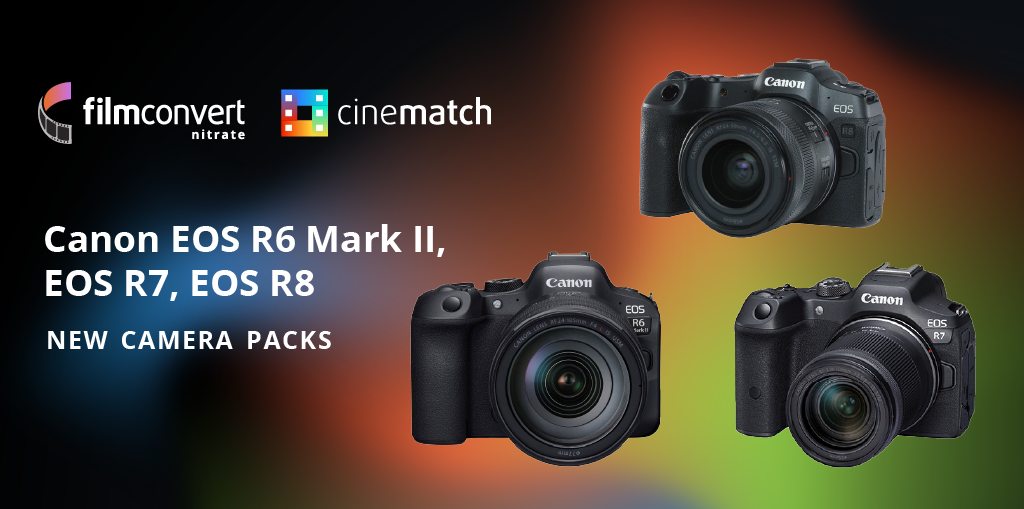
We have THREE new Canon camera profiles available for FilmConvert Nitrate and CineMatch! Profiles for the following cameras have been added to both plugins: For FilmConvert Nitrate users, these profiles are available now through the camera pack downloader within the plugin. If you cannot see them within the camera drop-down list, please make sure you’re… Continue reading New Canon Camera Packs: Now Available!
Category: Uncategorized
Halation – Available Now!
Halation for FilmConvert Nitrate has officially launched and is now available for purchase! 🤩 Grab your Halation add-on at the special Black Friday price of just $49 today, or as part of any new FilmConvert Nitrate license purchase. We just want to thank you for all your support over the years. This has been a… Continue reading Halation – Available Now!
FilmConvert Nitrate Update
We’re very excited to release the latest version of FilmConvert Nitrate, which has added support for Halation, available on November 20th. As part of this latest version of Nitrate, there may be some slight color changes to your pre-existing grades. These changes are subtle, and shouldn’t effect your image too much. But to be on… Continue reading FilmConvert Nitrate Update
It’s FilmConvert’s 10th Birthday!

It’s FilmConvert’s 10th Birthday! We’re having a week long celebration with 40% off FilmConvert Nitrate and CineMatch, some special camera pack releases, and a whole bunch of other goodies. But first, we wanted to share some of the history behind FilmConvert, and how our plug-in’s came to be. FilmConvert was launched in 2012 in Wellington,… Continue reading It’s FilmConvert’s 10th Birthday!
Harry Locke IV – User Showcase

Harry Locke IV is a Director and Colorist based in Los Angeles, who has more than a decade in the filmmaking experience. After working on big projects such as Tangerine, X-Men, and even Beyoncé’s Ivy Park, we spoke to Harry about his solo projects such as The Redeemer, and his work as the colorist for… Continue reading Harry Locke IV – User Showcase
How does CineMatch compare to Color Space Transform in Resolve?
Why CineMatch is essential for accurate camera-matching The “look” of a camera has two ingredients – the light-sensing characteristics of the sensor, and the color science created by the camera manufacturer. The color science is tailored to the performance of the sensor, and will only reproduce the correct colors when paired with the right sensor.… Continue reading How does CineMatch compare to Color Space Transform in Resolve?
D.L. Watson – User Showcase
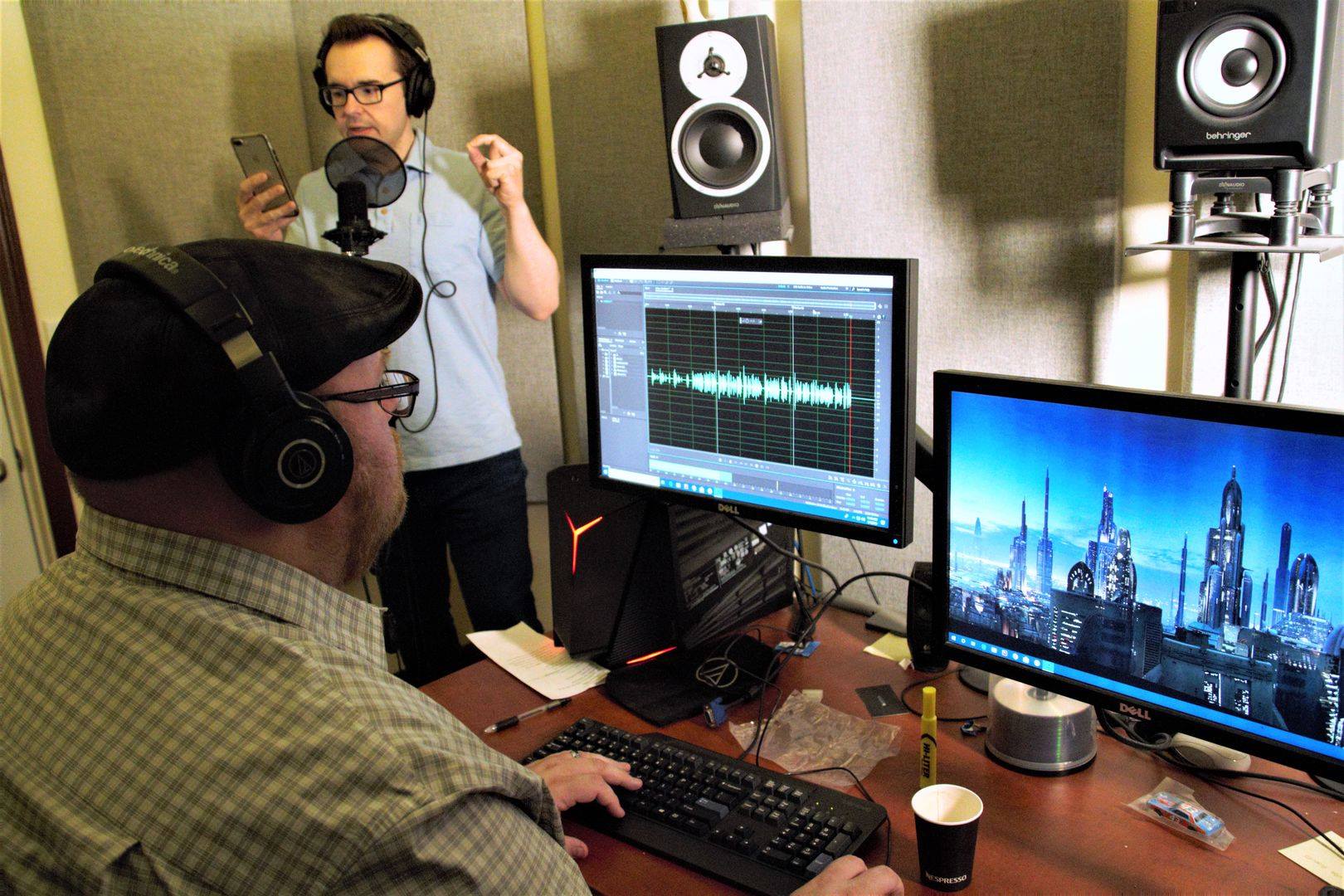
D.L. Watson Interview Give us a bit of detail about yourself – background, profession, how you got into filmmaking, and your current role. I started as a passionate writer and photographer and discovered my love for visual storytelling when I picked up an old family VHS recorder. Before the world was graced with YouTube,… Continue reading D.L. Watson – User Showcase
Issues using FilmConvert on M1 Macs
Update: July 13, 2021 We’ve released a Universal/M1 beta build of the Final Cut Pro plugin, available from www.filmconvert.com/download. This build of the plugin is for Final Cut Pro users on FCP 10.5.2 and above. Beta details: some UI elements are not resizeable, and projects saved with this version of the plugin will not function… Continue reading Issues using FilmConvert on M1 Macs
CineMatch Resolve Workflow Guide
Quick Start Method How to perform a quick camera match with CineMatch: Set up your projects as DaVinci YRGB, with your timeline color set to match your display/monitor In the Color tab, identify the clips you want to match. Leave the clips in Log, don’t apply LUTs or any other color management adjustments Add CineMatch… Continue reading CineMatch Resolve Workflow Guide
CineMatch Premiere Workflow Guide
CineMatch Workflow Guide Quick Start Method How to perform a quick camera match with CineMatch: Add two clips you want to match to your timeline. Leave clips in Log, don’t apply LUTs or make other adjustments Add CineMatch from the Effects menu to both clips Under the Effects Controls, set the Source settings for each… Continue reading CineMatch Premiere Workflow Guide